Tips for MechanicX Success: Maximising Your Workshop Efficiency in 2026
7 September 2026 · 17 min read
Written by Daniel Staples — Director, MechanicX. Workshop operator and developer of MechanicX garage management software.

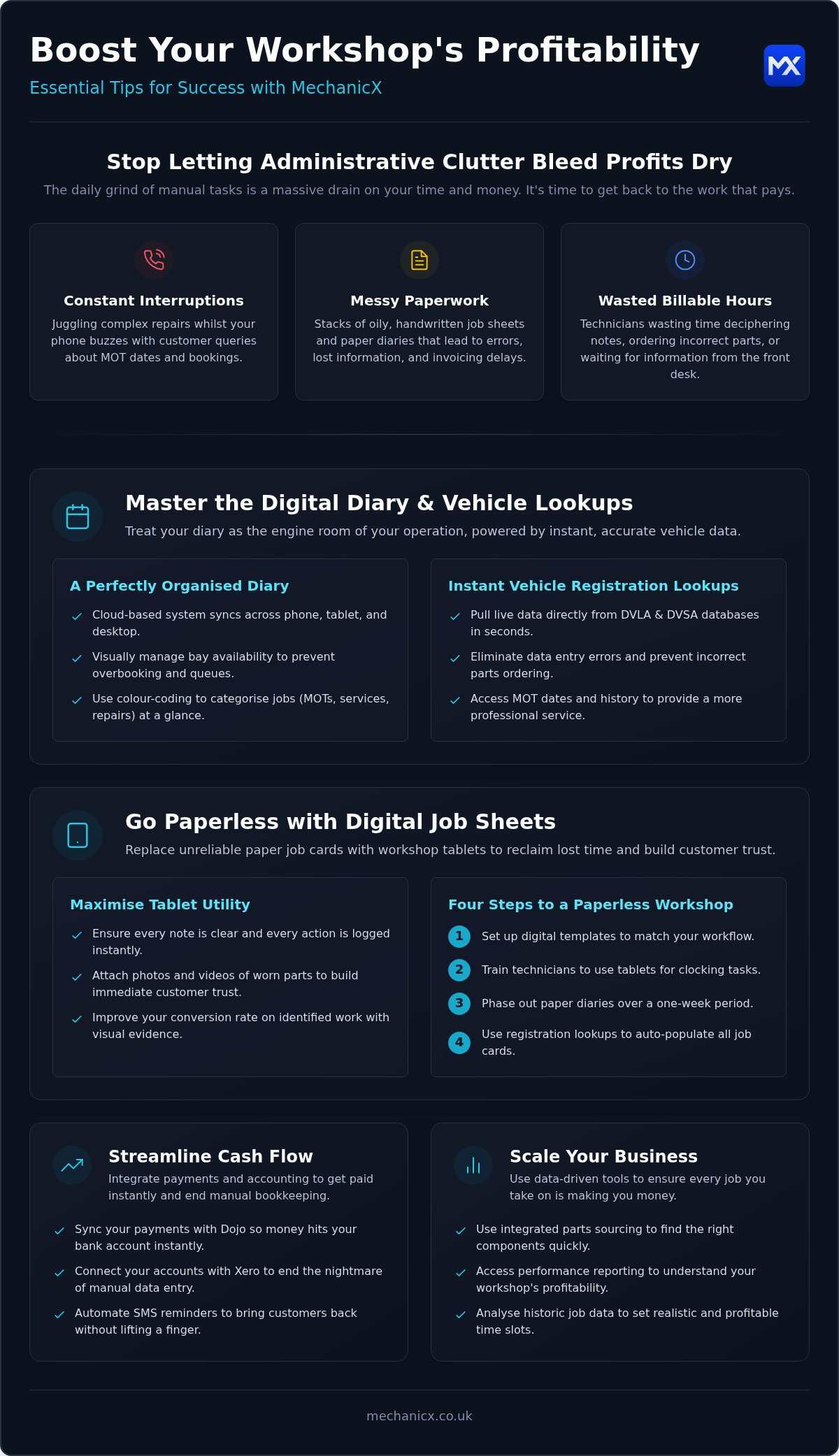
The most successful workshops in 2026 aren't necessarily the ones with the most expensive diagnostic kit; they're the ones that have stopped letting administrative clutter bleed their profits dry. You know the daily grind. You're trying to finish a complex repair whilst your phone is buzzing with customers asking about MOT dates. There's a stack of messy, handwritten job sheets on the desk that still need to be invoiced. It's frustrating. It's a massive drain on your time. It's not why you started your business.
We understand that you'd rather be under a bonnet than staring at a screen. That's why we've put together these essential tips for MechanicX success to help you reclaim your day. Master the platform. Eliminate manual data entry. Fill your diary automatically and boost your monthly profitability. We'll show you how to transition to a paperless workshop using digital job sheets, set up automated reminders that keep your bays full, and integrate seamless Dojo payments so your money hits your bank account instantly. It's time to get back to the work that actually pays.
Key Takeaways
- Learn how to ditch the paper and use instant registration lookups to keep your digital diary perfectly organised.
- Discover why switching to digital job sheets on workshop tablets is the fastest way to stop losing billable hours.
- Implement these tips for MechanicX success by using automated SMS reminders to bring customers back without lifting a finger.
- Sync your payments with Dojo and your accounts with Xero to get paid instantly and end the nightmare of manual bookkeeping.
- Use integrated parts sourcing and performance reporting to ensure every job you take on is actually making you money.
Table of Contents
Mastering the MechanicX Diary and Vehicle Lookups
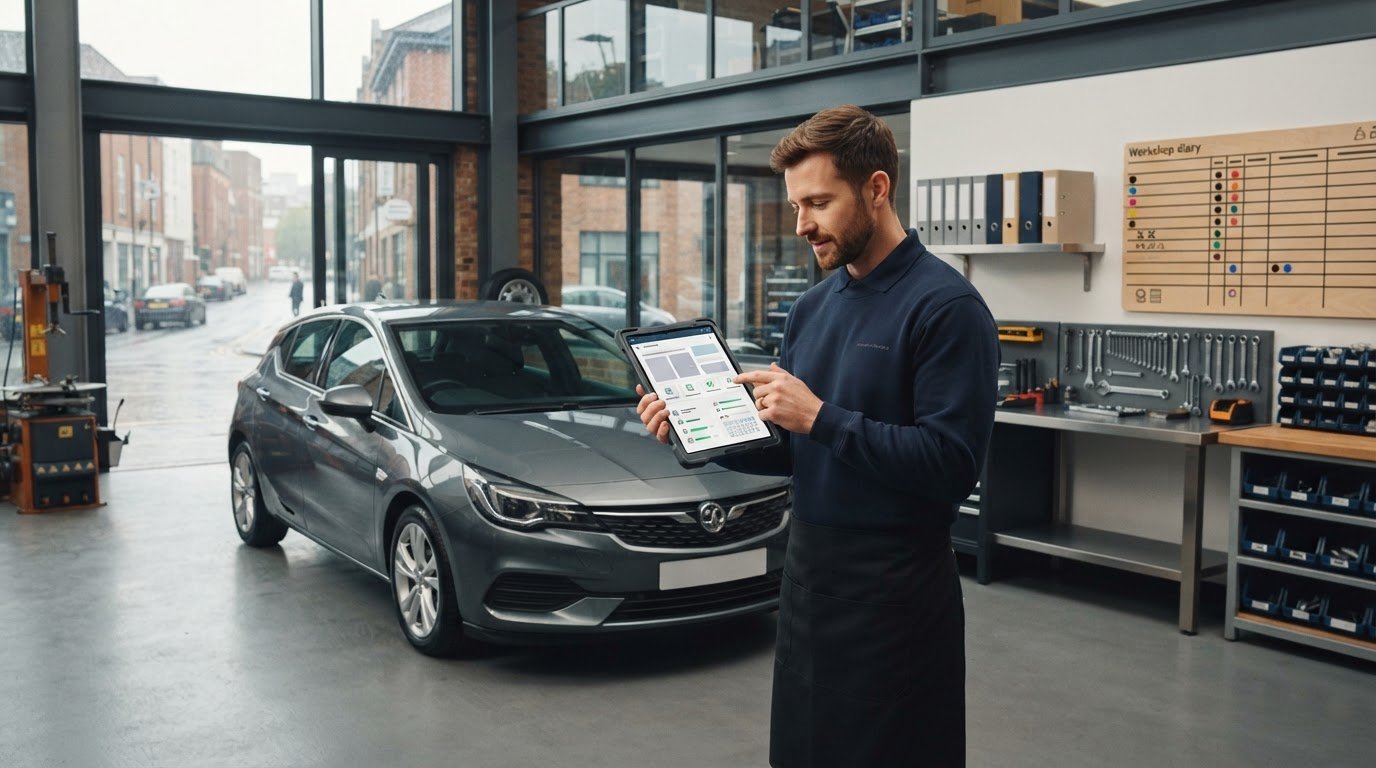
The diary is the engine room of your operation. If you're still relying on a paper book or a basic digital calendar, you're likely losing hours every week to simple scheduling errors. One of the most effective tips for MechanicX success is treating your digital diary as the single source of truth for your business. It's more than just a list of appointments; it's a live map of your workshop's capacity that stays updated across your phone, tablet, and desktop. Because the system is cloud-based, you can check your schedule whilst you're picking up parts or manage a mobile technician's route from your home office without any lag.
Managing a modern Automobile repair shop requires precision to stay profitable. You can't afford to have four cars arriving at the same time if you only have two ramps available. The MechanicX diary helps you avoid overbooking by providing a clear, visual representation of your bay availability. You can see exactly who is working on which vehicle and for how long. This transparency ensures your technicians stay productive and your customers aren't left waiting in a cramped reception area because a job overran.
The Power of Instant Vehicle Data
Stop wasting time squinting at oily logbooks or trying to guess which engine code a specific hatchback carries. By using the registration lookup feature, you pull live data directly from the DVLA and DVSA databases. You get the exact model, fuel type, and engine size in seconds. This isn't just a convenience; it's a safeguard against data entry errors that lead to incorrect parts ordering. Having live MOT dates and official history at your fingertips means you can spot safety concerns or upcoming service requirements before the car even hits the ramp, allowing you to provide a more professional service to your clients.
Organising Your Daily Workflow
A cluttered diary leads to a stressed team. Use colour-coding to categorise your jobs at a glance. You might use red for MOTs, blue for major services, and green for quick repairs. This simple visual cue allows you to judge the day's rhythm instantly. For workshops managing mobile mechanics, the diary view is essential for plotting efficient routes and assigning jobs based on the technician's current location. By setting realistic time slots based on your historic job data, you ensure that "running late" stops being your default status. Following these tips for MechanicX success will help you turn a chaotic schedule into a streamlined, high-capacity workflow that maximises every billable hour.
Going Paperless with Digital Job Sheets and Tablets
Paper job cards are a liability. They get covered in oil, lost under seats, or become impossible to read. When your technicians spend ten minutes trying to decipher notes or walking back to the office for clarification, you're losing money. One of the best tips for MechanicX success is moving this entire process onto workshop tablets. Digital job sheets ensure that every note is clear and every action is logged instantly. This isn't just about saving paper; it's about reclaiming the time your team currently wastes on manual admin.
Communication between the front desk and the workshop floor often breaks down when things get busy. Digital systems fix this. When a technician identifies a worn brake pad, they can snap a photo or record a quick video directly onto the digital job sheet. This builds immediate trust with the customer. Instead of a vague phone call, you're sending visual evidence. It makes the recommendation feel like a professional service rather than a sales pitch. It's a direct way to improve your conversion rate on identified work.
Five Steps to a Paperless Workshop
The transition from cluttered paper files to a streamlined digital system can be completed in just 24 hours.
- Step 1: Set up your digital templates in the MechanicX dashboard to match your specific workshop workflow.
- Step 2: Train technicians on tablet usage for clocking in and out of specific tasks to track labour accurately.
- Step 3: Phase out paper diaries over a one-week period to allow the team to get comfortable with the new rhythm.
- Step 4: Use registration lookups to populate all new job cards automatically, ensuring vehicle details are 100% accurate.
Maximising Tablet Utility on the Shop Floor
Technicians shouldn't have to leave the vehicle to find information. By using workshop tablets, they can access technical data and parts lists whilst under the ramp. Updating a job status instantly triggers a notification for the front office. This means your service advisor can prepare the invoice or call the customer the second the work is finished. There's no more waiting for a technician to hand over a greasy piece of paper at the end of the day. Standardising this process ensures every technician uses the same digital job card format. This creates a professional and consistent record for every vehicle that enters your bay. If you're ready to stop chasing paper, you can start using digital job sheets today to sharpen your workshop's focus.
Following these tips for MechanicX success will help you eliminate the "lost information" trap. When every repair is documented with photos and clear notes, you protect your business from disputes and provide a better experience for your customers. It's a simple change that delivers immediate results for your bottom line.
Waiting for the phone to ring is a gamble you don't need to take. In a busy workshop, repeat business is the bedrock of your monthly income, yet chasing it manually is usually the first task to fall off the to-do list when the ramps are full. One of the most practical tips for MechanicX success is automating your MOT and service reminders. Instead of spending your evenings scrolling through spreadsheets or old job cards, you can set the system to identify upcoming expiry dates and reach out to customers on your behalf. It's a "set and forget" process that keeps your bays occupied whilst you focus on the work in front of you.
The Psychology of the SMS Reminder
Email is easy to ignore. It gets buried under newsletters, receipts, and spam. SMS is different. It lands directly in your customer's pocket and has an incredibly high open rate amongst UK drivers. To maximise your conversion, you need a strategy for timing. We recommend a three-stage approach. Send a 30-day heads-up to allow them to plan, a 14-day nudge for the busy ones, and a final 7-day alert for the procrastinators. This frequency ensures you stay front of mind without becoming a nuisance. Your message should be direct. A simple "Your MOT is due on [Date]. Reply BOOK to secure your slot" works wonders because it reduces friction. The less the customer has to think, the more likely they are to commit.
Maintaining Your Service Database
A reminder is only useful if it reaches the right person. MechanicX builds your customer database automatically during the first booking by capturing registration and contact details. You don't need to spend hours on manual data entry. The system also helps you keep your records clean. If a vehicle changes hands, you can update the record easily to ensure your reminders reach the current owner. Over time, this data becomes your most valuable asset. You can use the service history to predict future maintenance needs. If you know a car had an advisory for thin brake pads six months ago, you can trigger a specific follow-up. This proactive approach shows the customer you're looking out for them. By following these tips for MechanicX success, you turn a static list of names into a dynamic engine for growth. You're building a reliable, long-term relationship with every driver who enters your workshop, ensuring they wouldn't dream of going anywhere else.
Streamlining Cash Flow with Integrated Payments and Accounting
Chasing unpaid invoices whilst trying to manage a busy workshop is a drain on your energy. You've done the hard work under the bonnet; you shouldn't have to fight to get that money into your bank account. One of the most effective tips for MechanicX success is connecting your payment processing and accounting directly to your management system. It's about closing the loop between finishing a job and seeing the balance rise in your business account. Professional, digital invoices don't just look better; they provide a clear, itemised breakdown that reduces customer queries and gets you paid faster.
Manual vs. Integrated Payment Processing
Manual reconciliation is a silent time-killer. If you're typing totals into a standalone card terminal, you're risking human error and creating a second job for yourself later. By using the Dojo payment integration, the invoice total is sent directly to the terminal. There's no room for typos. Whether you're at the front desk or working as a mobile mechanic, you can take card payments or send secure payment links via SMS. It's instant. It's secure. Most importantly, it marks the job as paid in your system automatically, so you don't have to remember to do it manually at the end of a long shift.
Accounting Software Synergy
The "end-of-month" stress usually comes from a pile of paper receipts and a bank statement that doesn't match your records. MechanicX eliminates this by syncing directly with Xero, QuickBooks, or Zoho Books. Every invoice you create and every payment you receive flows straight into your accounting software. This makes VAT returns a breeze and gives you a real-time view of your profit and loss. You can see exactly how your business is performing without needing to be an accountant. It's about having total control over your finances without the headache of manual bookkeeping.
Beyond just getting paid for the work you've finished, you need to track the work that hasn't started yet. Unpaid estimates are often forgotten in the rush of a busy week. MechanicX allows you to track these enquiries and follow up with customers who haven't booked in yet. Converting just one or two of these "lost" estimates into actual jobs can significantly boost your monthly revenue. Following these tips for MechanicX success ensures that your cash flow is as healthy as the cars leaving your workshop.
Scaling Your Business with Parts Integration and Reporting
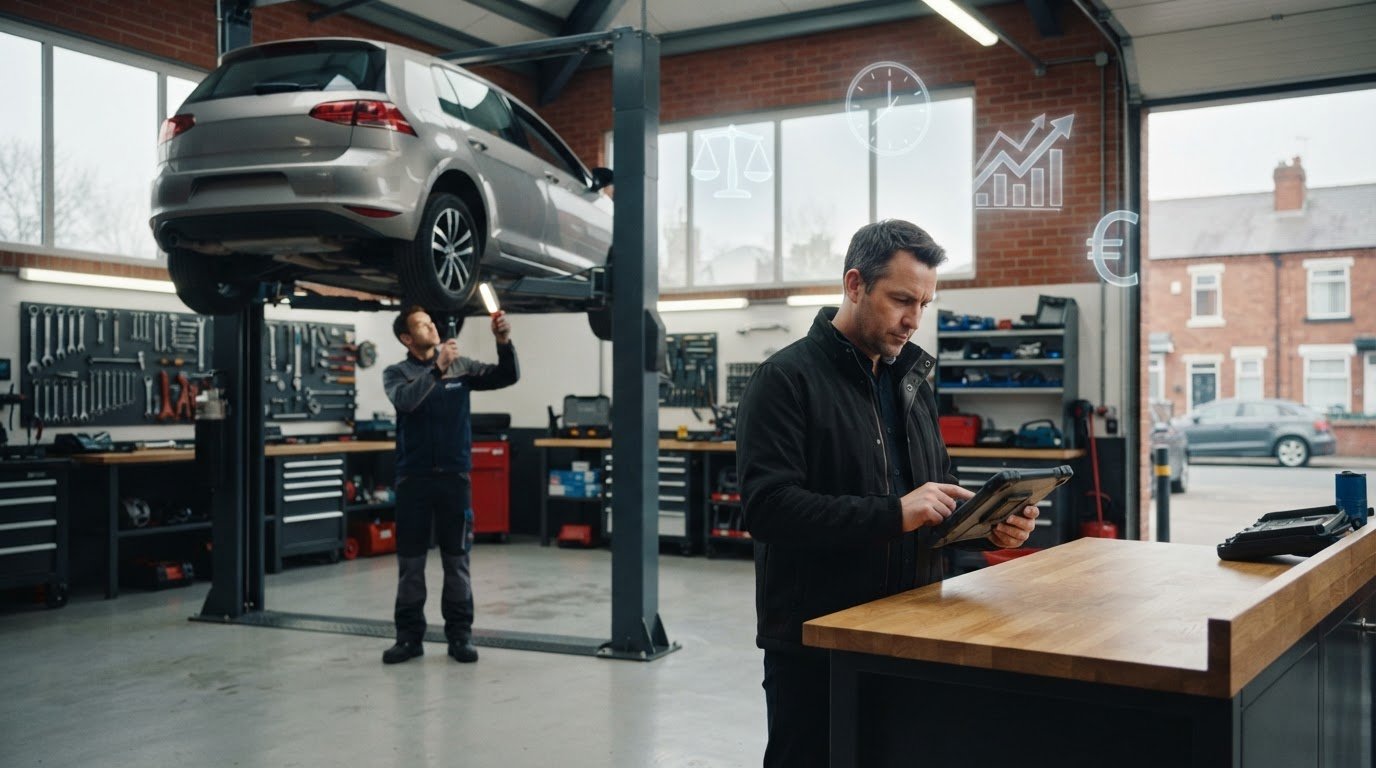
Growing a garage is a double-edged sword. As you add more technicians or mobile vans, the risk of losing control over quality and margins increases. Scaling successfully in 2026 requires a shift from gut feeling to data-driven management. One of the most vital tips for MechanicX success is using the built-in reporting tools to see exactly where your money is coming from. If you're planning to expand, you need to know which jobs are your most profitable and which ones are simply clogging up your ramps without adding to the bottom line.
Smart Parts Procurement
Wasting time on the phone to parts factors is a thing of the past. With the NAPA Part360 integration, you can source and order parts directly from the digital job card. It's fast. It's accurate. By linking your procurement to the specific vehicle data we discussed earlier, you ensure the right parts arrive the first time. This integration allows you to maintain momentum on the shop floor without constant interruptions.
- Automated Ordering: Order directly from the ramp via the NAPA Part360 integration to avoid delays.
- Margin Protection: Track parts markups automatically to keep your profits consistent as supplier costs fluctuate.
- Stock Control: Manage common consumables like filters and fluids without manual counting or messy spreadsheets.
Data-Driven Decision Making
Efficiency isn't just about working harder; it's about working smarter. The MechanicX dashboard gives you a clear view of technician efficiency reports. You can see who is hitting their targets and where additional training might be needed. This transparency is essential for maintaining quality control as you grow. Digital job sheets also play a massive role here. They act as a standardised template for new staff, making it much faster to get a new technician or mobile mechanic up to speed with your workshop's way of working.
Use your data to prioritise high-value work. If the reports show that certain job types are consistently more profitable, you can adjust your marketing and diary management to focus on them. Following these tips for MechanicX success allows you to plan your next business expansion with confidence. Whether you're opening a second location or adding a third mobile unit, you'll have the hard data to back up your decisions. You're no longer just running a garage; you're building a scalable, efficient business that runs like clockwork.
Take Control of Your Workshop's Future
Modernising your garage doesn't require a degree in computer science. It just requires the right tools to clear the administrative clutter that's holding you back. We've explored how moving to digital job sheets on workshop tablets can reclaim hours of billable time, whilst automated reminders ensure your diary stays full without constant manual effort. By following these tips for MechanicX success, you can stop chasing greasy paper sheets and start focusing on the high-value work that actually grows your business.
MechanicX was developed in collaboration with active UK workshop managers who know exactly what happens on the shop floor. You get no-fluff digital job cards that your team will actually use, alongside seamless Xero and Dojo integrations that make your end-of-month bookkeeping effortless. It's about building a workshop that is scalable, profitable, and, most importantly, under your control. There is no reason to let manual data entry or unpaid invoices slow you down anymore.
Start your journey to a more profitable workshop with MechanicX today. You have the technical skills to fix any vehicle that comes through your doors; let us help you fix the admin. You've got this.
Frequently Asked Questions
How do I set up automated MOT reminders in MechanicX?
Setting up automated MOT reminders is done directly through your main dashboard by selecting the automation triggers for SMS. You simply need to ensure your customer's mobile number and vehicle registration are logged. The system then uses instant registration lookups to pull the official expiry date and sends out your pre-configured messages at set intervals before the deadline. It's a key part of our tips for MechanicX success because it fills your diary without manual effort.
Does MechanicX work on an iPad or Android tablet?
Yes, MechanicX is a cloud-based system that works seamlessly on any iPad, Android tablet, or smartphone. Because it's a web-based platform, you don't need to worry about complex on-premise software installation. Your technicians can use workshop tablets to access digital job sheets and technical data whilst they are actually under the vehicle. This flexibility ensures that your workshop data stays synchronised in real time, whether you're at the desk or on the shop floor.
Can I link MechanicX to my existing Xero account?
You can link MechanicX to your existing Xero account in just a few clicks using our dedicated integration settings. Once connected, all your invoices and payments will synchronise automatically with your accounting software. This eliminates the need for manual data entry at the end of the month and ensures your VAT returns are always accurate. The system also supports QuickBooks and Zoho Books, providing a real-time view of your profit and loss without leaving the platform.
What happens if I have no internet connection in the workshop?
MechanicX is a cloud-based platform, so it requires an active internet connection to synchronise data across your devices. However, because it's designed for both static workshops and mobile mechanics, it's highly efficient on mobile data. If your workshop Wi-Fi is patchy, you can easily run the system using a 4G or 5G connection on your tablets or phones. This ensures you can still pull vehicle data and update job sheets whilst working in different locations.
How many vehicles can I store in the MechanicX database?
There is no limit to the number of vehicles or customers you can store within your MechanicX account. The centralised database is built to scale alongside your business, allowing you to build a comprehensive history for every car that enters your bay. You can use this data to track past repairs, view advisory notes, and predict future maintenance needs. Having an unlimited database is essential for long-term growth and maintaining detailed records for your entire client base.
Can I manage multiple mobile vans from one MechanicX account?
Yes, you can manage an entire fleet of mobile vans and multiple technicians from a single MechanicX account. The digital diary allows you to assign specific jobs to different vans and track their progress in real time. This is one of the most effective tips for MechanicX success for growing businesses, as it maintains quality control across different locations. You can see exactly where your team is and ensure every technician is following the same professional workflow.
Is there a limit to the number of digital job sheets I can create?
You can create an unlimited number of digital job sheets to suit the needs of your workshop. Whether you're a solo mobile mechanic or running a large multi-ramp garage, the system won't restrict your output. Every job sheet is stored securely in the cloud, meaning you can look back at previous work years later without digging through boxes of paper. This unlimited capacity allows you to document every repair with photos and videos to build customer trust.
How does the Dojo integration speed up my daily payments?
The Dojo integration speeds up payments by linking your card terminal directly to the digital invoice. When you're ready to take a payment, the total is sent straight to the terminal, so you don't have to type it in manually. This removes the risk of human error and ensures your records are always accurate. You can also send secure payment links via SMS, allowing customers to pay remotely before they even arrive to collect their vehicle.
Frequently Asked Questions
How do I set up automated MOT reminders in MechanicX?
Setting up automated MOT reminders is done directly through your main dashboard by selecting the automation triggers for SMS. You simply need to ensure your customer's mobile number and vehicle registration are logged. The system then uses instant registration lookups to pull the official expiry date and sends out your pre-configured messages at set intervals before the deadline. It's a key part of our tips for MechanicX success because it fills your diary without manual effort.
Does MechanicX work on an iPad or Android tablet?
Yes, MechanicX is a cloud-based system that works seamlessly on any iPad, Android tablet, or smartphone. Because it's a web-based platform, you don't need to worry about complex on-premise software installation. Your technicians can use workshop tablets to access digital job sheets and technical data whilst they are actually under the vehicle. This flexibility ensures that your workshop data stays synchronised in real time, whether you're at the desk or on the shop floor.
Can I link MechanicX to my existing Xero account?
You can link MechanicX to your existing Xero account in just a few clicks using our dedicated integration settings. Once connected, all your invoices and payments will synchronise automatically with your accounting software. This eliminates the need for manual data entry at the end of the month and ensures your VAT returns are always accurate. The system also supports QuickBooks and Zoho Books, providing a real-time view of your profit and loss without leaving the platform.
What happens if I have no internet connection in the workshop?
MechanicX is a cloud-based platform, so it requires an active internet connection to synchronise data across your devices. However, because it's designed for both static workshops and mobile mechanics, it's highly efficient on mobile data. If your workshop Wi-Fi is patchy, you can easily run the system using a 4G or 5G connection on your tablets or phones. This ensures you can still pull vehicle data and update job sheets whilst working in different locations.
How many vehicles can I store in the MechanicX database?
There is no limit to the number of vehicles or customers you can store within your MechanicX account. The centralised database is built to scale alongside your business, allowing you to build a comprehensive history for every car that enters your bay. You can use this data to track past repairs, view advisory notes, and predict future maintenance needs. Having an unlimited database is essential for long-term growth and maintaining detailed records for your entire client base.
Can I manage multiple mobile vans from one MechanicX account?
Yes, you can manage an entire fleet of mobile vans and multiple technicians from a single MechanicX account. The digital diary allows you to assign specific jobs to different vans and track their progress in real time. This is one of the most effective tips for MechanicX success for growing businesses, as it maintains quality control across different locations. You can see exactly where your team is and ensure every technician is following the same professional workflow.
Is there a limit to the number of digital job sheets I can create?
You can create an unlimited number of digital job sheets to suit the needs of your workshop. Whether you're a solo mobile mechanic or running a large multi-ramp garage, the system won't restrict your output. Every job sheet is stored securely in the cloud, meaning you can look back at previous work years later without digging through boxes of paper. This unlimited capacity allows you to document every repair with photos and videos to build customer trust.
How does the Dojo integration speed up my daily payments?
The Dojo integration speeds up payments by linking your card terminal directly to the digital invoice. When you're ready to take a payment, the total is sent straight to the terminal, so you don't have to type it in manually. This removes the risk of human error and ensures your records are always accurate. You can also send secure payment links via SMS, allowing customers to pay remotely before they even arrive to collect their vehicle.
More articles

Try MechanicX free for 30 days
No card required. Set up in an afternoon and book tomorrow's jobs into it — that's the real test.